Learn Hungarian through dialogues
Flashcards teach you what words mean. Dialogues teach you what to say next.
Translating to and from English is a great start: it's how you learn what things mean. But in a real conversation there's no time to translate. Someone says something in Hungarian, and you answer in Hungarian. To get there, you need to hear the question and have the answer ready.
That's what the dialogues are for. Each one is a short, everyday conversation between two people, built from the words and grammar of its lesson. Practice it until you almost know it by heart, and the back-and-forth of a conversation starts to feel natural.
Learn whole sentences, not just single words. Speaking well means each word leading to the next: the ending a word takes, the order the words come in, the little words that hold them together. A dialogue line teaches all of that at once, the same way an answer follows from the question before it.
Free, no account needed.
Finding the dialogues
The button above takes you straight there. From anywhere on the site:
- Click Explore at the top, then Hungarian.
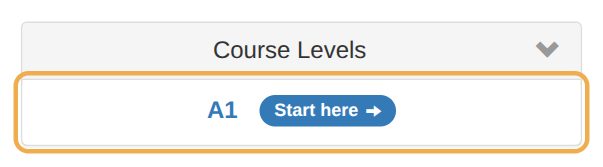
- Under Course Levels, click A1.
- Click Dialogues.

You get every dialogue in the course, in lesson order. The ‹ and › arrows at the top move between them.
Practicing a dialogue
1. Warm up (the first time)
Before you take a part, press Warm-up to step through every line with its English. Meeting the words first makes the practice much easier.
2. Take a part
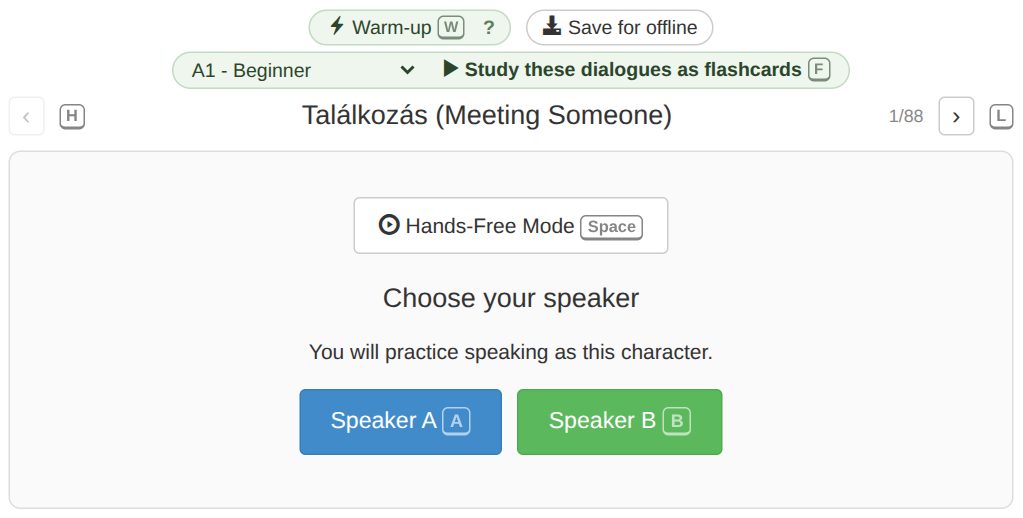
Under Choose your speaker, pick Speaker A or Speaker B. You'll say that person's lines; the program plays the other person's.
3. Say your line, then check it
Dialogues are recall practice: you produce the Hungarian. When it's your turn, you see what your line means in English. Say the Hungarian out loud, then tap the line (or press R) to reveal it and hear a native speaker say it. The dialogue carries on by itself.
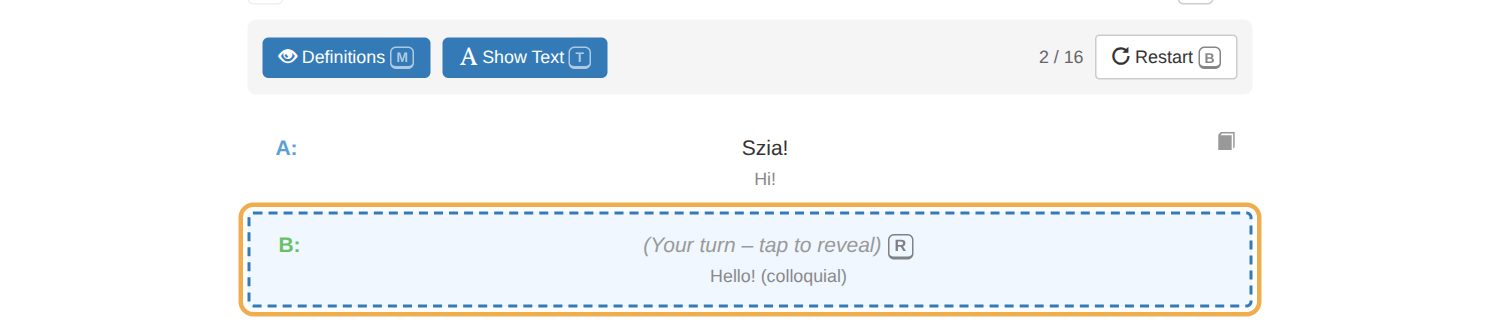
Two switches at the top help: Definitions hides the English once you know the lines, and turning off Show Text makes it pure listening.
4. Switch parts
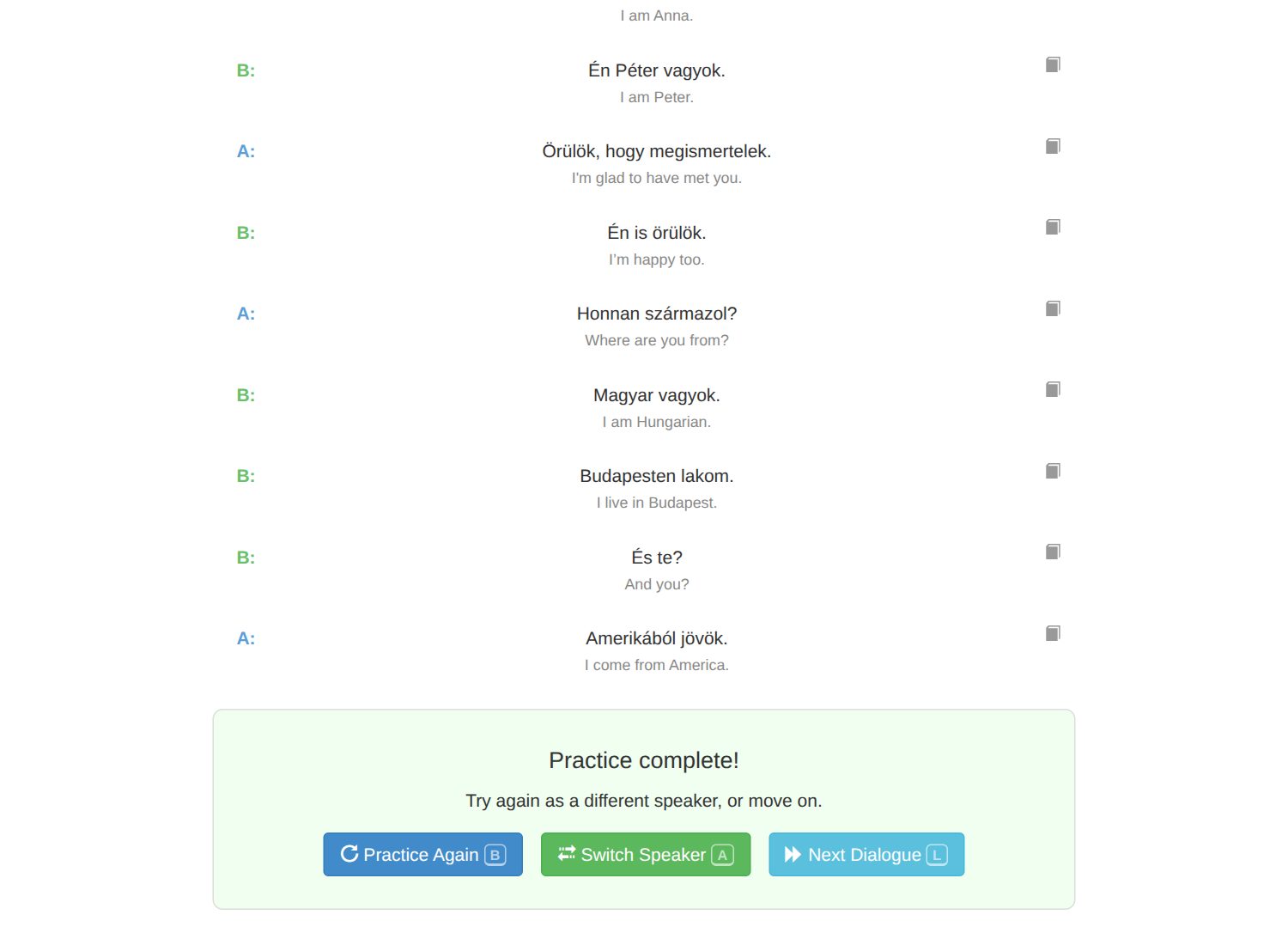
When you finish, press Switch Speaker and play the other side. Playing both roles is where the lines really stick: you learn the question and the answer.
Going hands-free
Once you know what every line means, let the dialogue run on its own. Before you pick a speaker, turn on Hands-Free Mode (or press Space). Hands-free works with your phone in your pocket and the screen off, so it fits a walk or a commute.
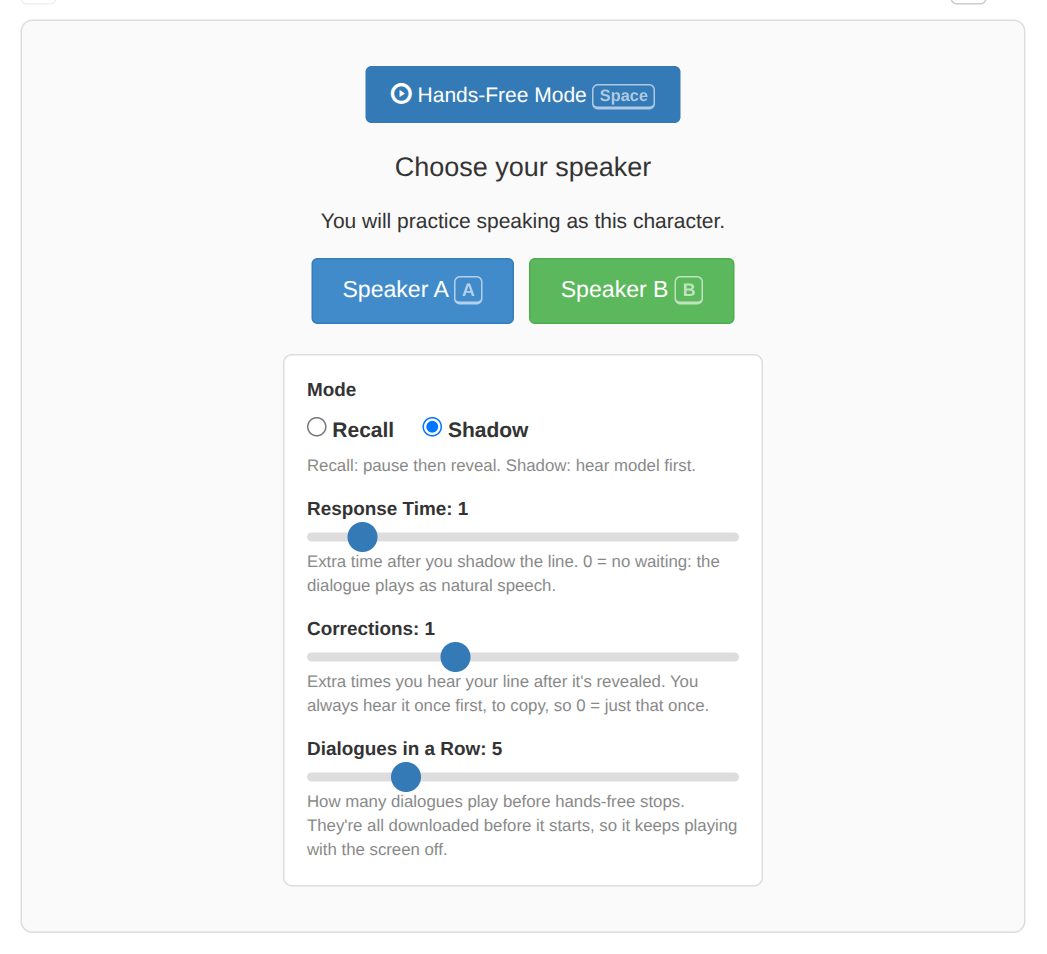
- Mode. Recall: you get a pause to say your line, then you hear it. Shadow: you hear your line first and say it along with the speaker.
- Response Time. How long it waits for you. In Shadow mode, 0 means no waiting at all: the dialogue plays like a real conversation.
- Corrections. How many extra times you hear your line after it's revealed.
- Dialogues in a Row. How many play before it stops.
A good progression
Do each step as both speakers before moving on.
| Mode | Corrections | Response time | What you do |
|---|---|---|---|
| Recall, by hand | – | – | Learn what every line means. |
| Shadow | 2 | any | Repeat each line after the speaker. |
| Shadow | 1 | any | The same, with one less safety net. |
| Shadow | 0 | any | Speak at the same time as the speaker. |
| Shadow | 0 | 0 | Speak along at the speed of a natural conversation. |
Keeping the lines: dialogues as flashcards
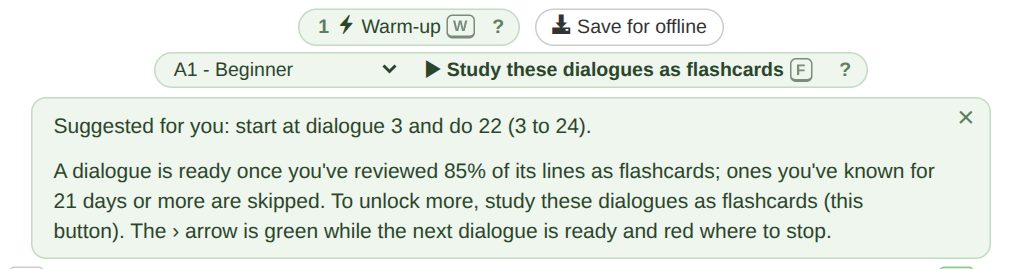
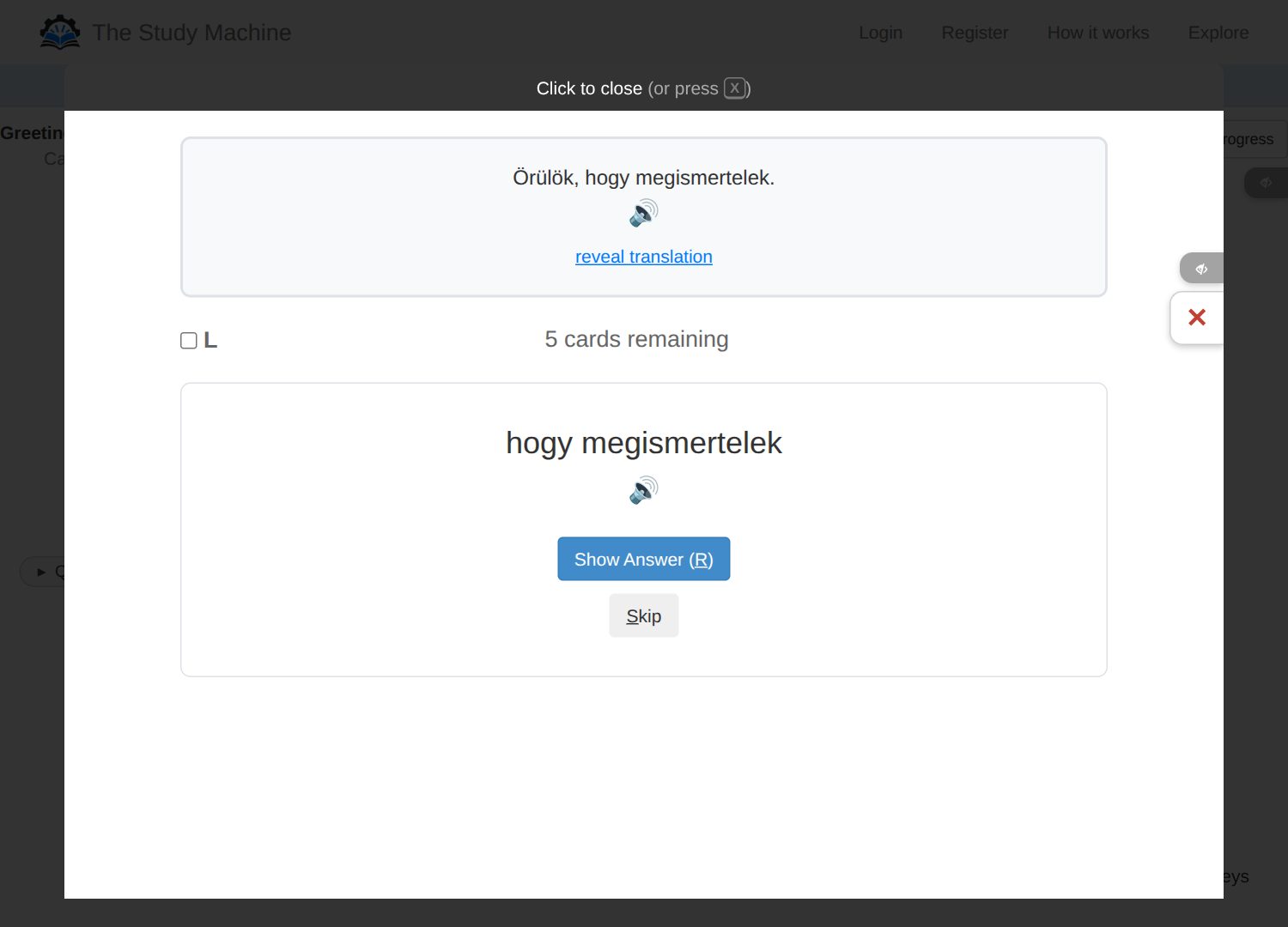
Practice gets the dialogues into your head; flashcards keep them there. Press Study these dialogues as flashcards (on a phone it just says Focus) at the top of the dialogue page to study every line, lesson by lesson. Which dialogues lets you choose the whole course or just part of it.
Subscribe if you'll be using the flashcards. Without an account you can study them, but nothing is saved, so you'd see the same cards every day. Subscribers get spaced repetition: each line comes back just before you'd forget it, so you only study what's due.
Subscribers also get a suggestion of where to start. The ? next to the button tells you which dialogues your flashcards have made you ready for, and the › arrow turns green while the next dialogue is ready and red where you should stop and study the flashcards first.
On each flashcard
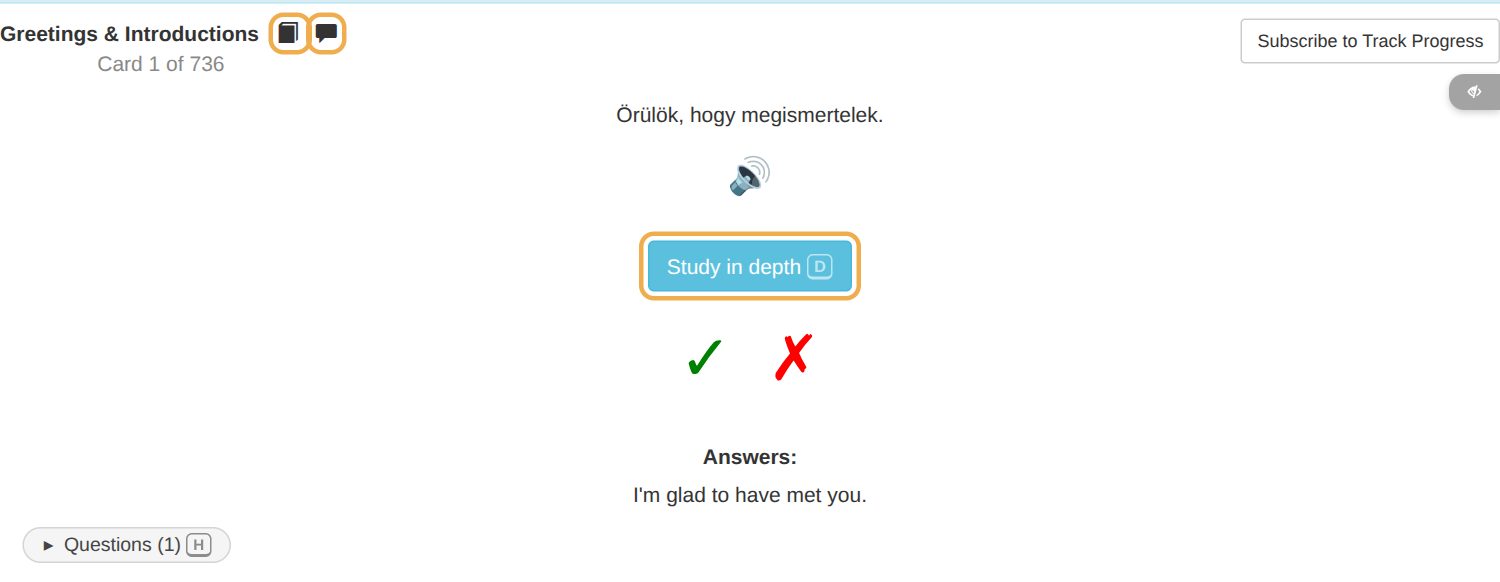
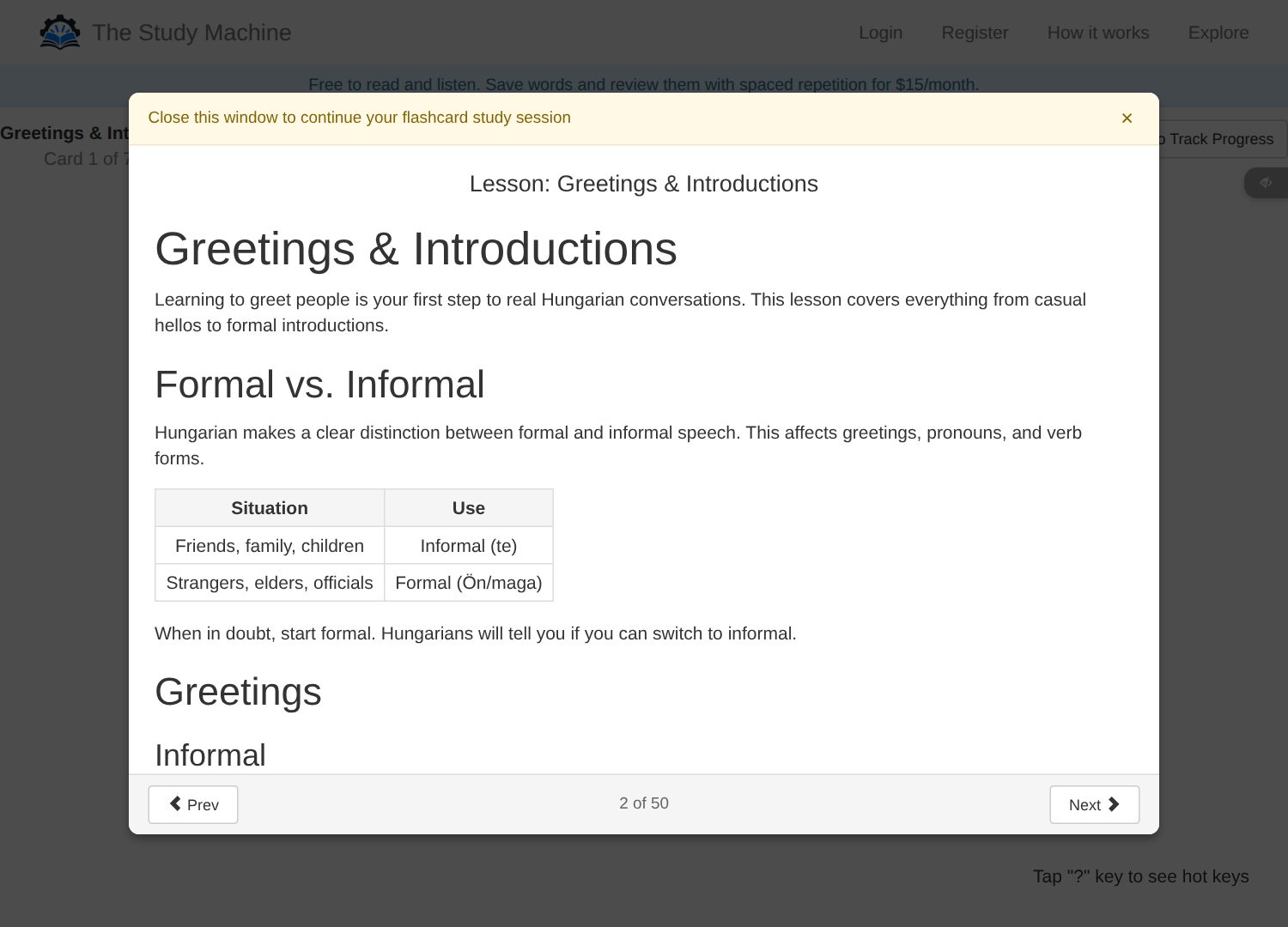
- The lesson. Each lesson's cards start with its lesson: short notes on the grammar and phrases. Subscribers see it automatically only the first time. Open it any time with the book icon next to the lesson name.
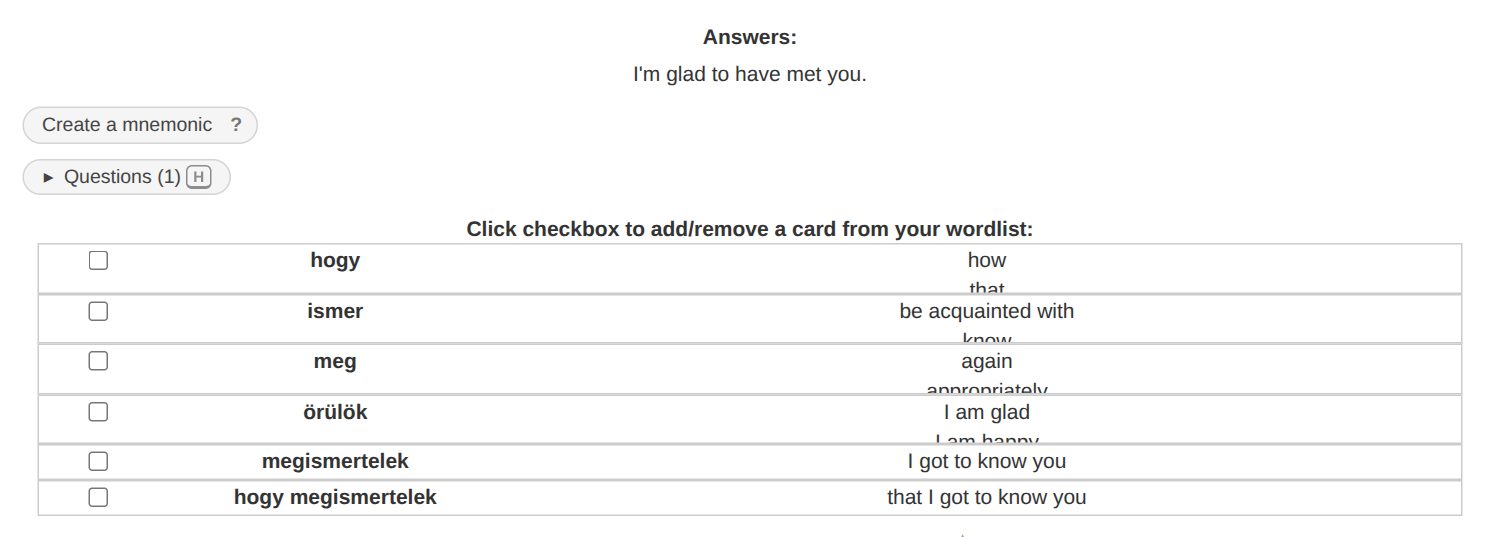
- Ask a question. When you're logged in, ask the robot teacher about any card, in your own words. If other learners have already asked about a card, it says Questions with how many, and anyone can read those answers. Together with the lessons, that should give you a good grasp of the grammar.
- Back to the dialogue. The speech-bubble icon opens the dialogue this line comes from.
- Study in depth. After you reveal a sentence, Study in depth walks you through every part of it, one at a time.
Subscribers also see a list of the words in the sentence under the answer, with what each one means. Tick one to add it to your study. Mostly, though, stick with whole sentences: add a single word only when it keeps giving you trouble.
Ready to start?
Start learning for free right now, or subscribe for your own daily study queue.
Free · no account needed